
Insights on CAD/CAM, CNC Machines, and Industrial Robots
What Is a Post-Processor in CAM? The Hidden Translator Behind Every CNC Program
- Andrew Lovygin
Every CNC-machined part begins its life in the digital world - as a 3D model in CAD, shaped and refined through CAM strategies. Toolpaths are simulated, feeds and speeds optimized, collisions avoided. But none of this reaches the machine directly.
There’s a crucial, often overlooked step in the process: post-processing.
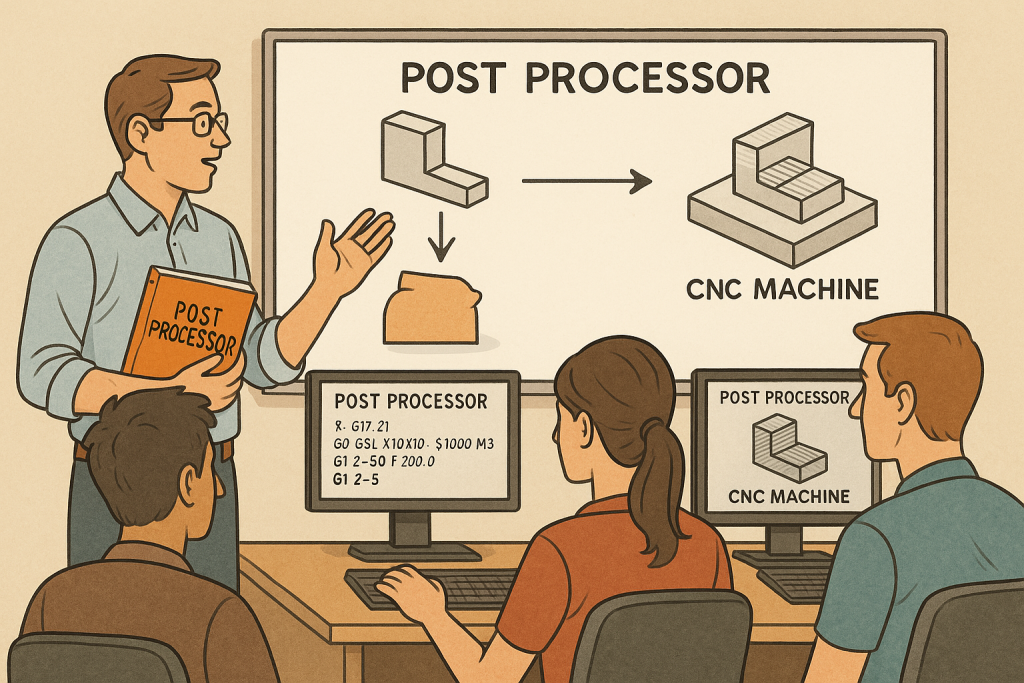
The post-processor is the software component that translates CAM toolpaths into G-code - the language that CNC machines actually understand. Without it, there is no bridge between virtual and physical manufacturing.
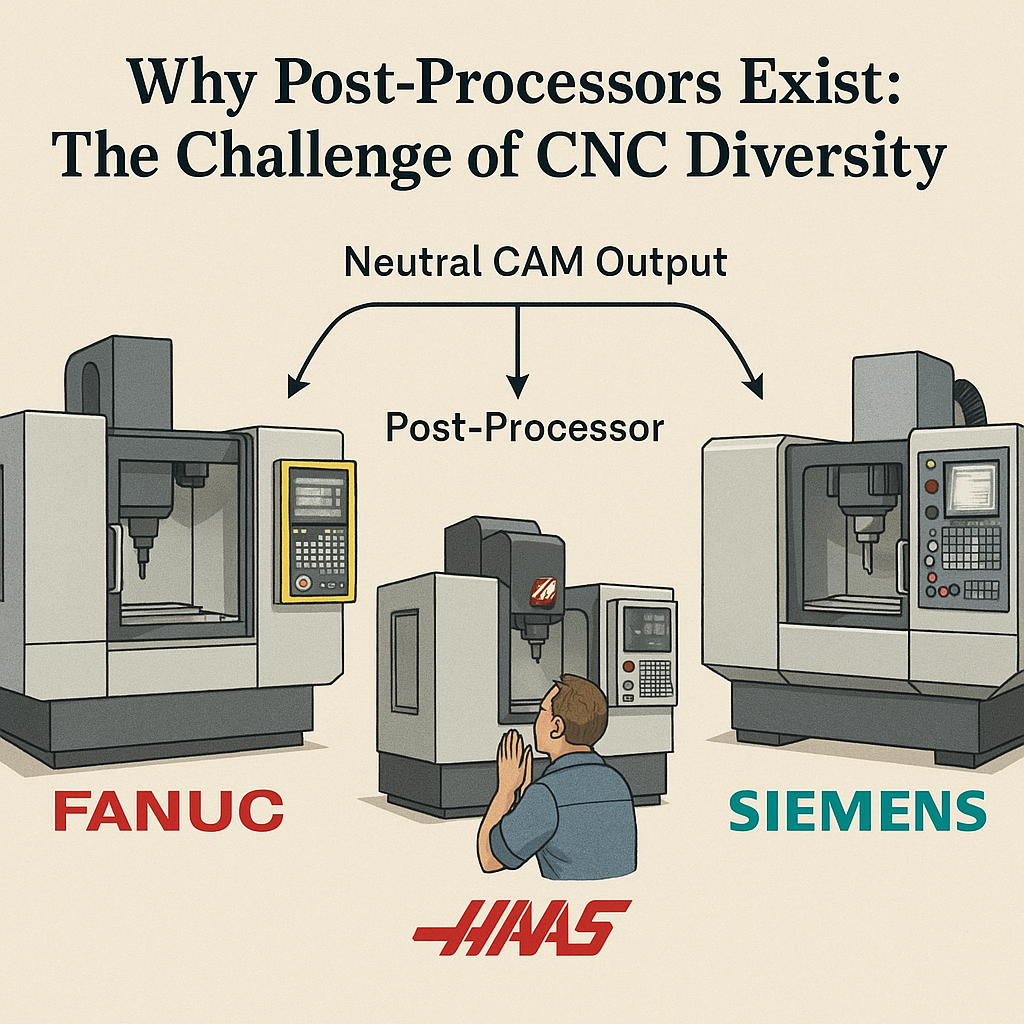
Why Post-Processors Exist: The Challenge of CNC Diversity
Unlike consumer devices that share unified standards (like USB), CNC machines are astonishingly diverse. Each brand - and often each model - can differ in its controller language, syntax, required startup sequences, canned cycles, and even tool change commands.
For example:
- A FANUC controller may require G28 for homing, while a Siemens controller uses G53.
- Some machines handle drilling cycles with G81, others require elaborate subprogram calls.
- Tool length compensation codes vary: G43, G44, or none at all.
How It Works: Inside the Post-Processing Pipeline
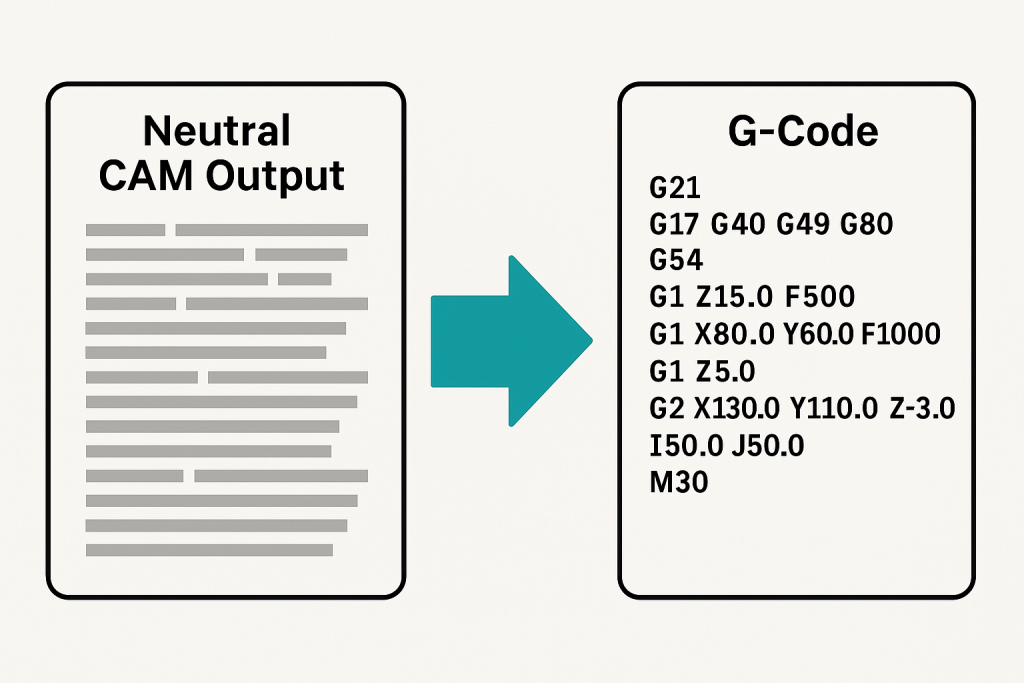
At a high level, a post-processor takes geometric toolpath data from CAM and turns it into machine instructions. Here’s how the process unfolds:
Step 1: Neutral Toolpath Output
CAM systems generate internal, machine-neutral instructions. These define:
- Tool movement (linear, circular)
- Cutting strategies (pocketing, contouring, drilling)
- Tool changes and retractions
- Feedrates and spindle speeds
The post-processor applies:
- Syntax rules (e.g., how to structure G-code blocks)
- Formatting (line numbering, spacing, decimals)
- Controller-specific commands (e.g., M-codes, dwell cycles)
- Headers/Footers (initialization routines, safety moves, end of program)
Step 3: Output: G-code
The final output is a text file containing the machine-specific code:
%
O1001 (Part Name)
G21 G17 G90 G40
T1 M06
G0 X0 Y0 Z5
G1 Z-2 F100
G2 X50 Y50 I25 J0 F200
...
M30
%
This is the code that gets loaded into the CNC controller and executed on the shop floor.
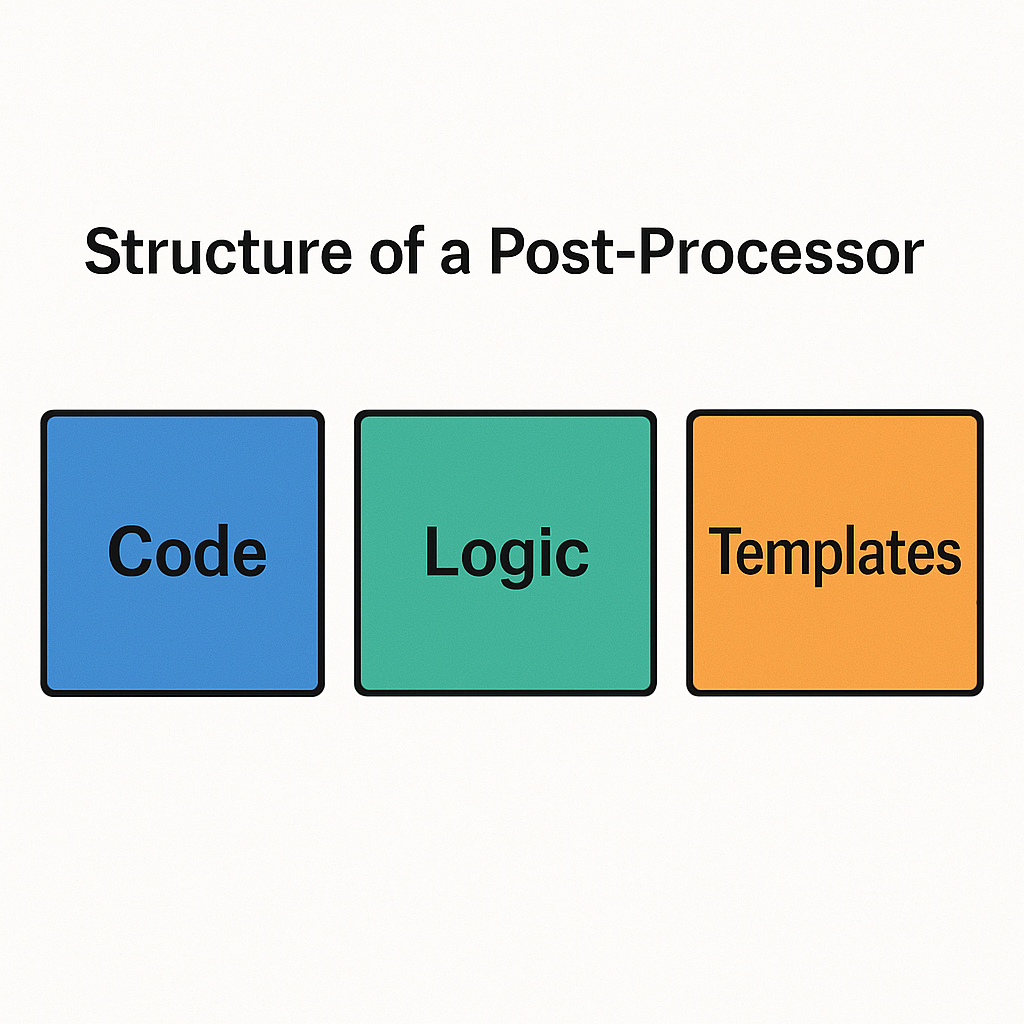
Technical Structure of a Post-Processor
Post-processors can be simple or highly sophisticated. At their core, most consist of:
- Header block: Initialization, safety lines, units, spindle setup
- Tool change logic: M06, pre-positioning
- Motion blocks: G0, G1, G2, G3 with formatting and tolerances
- Drilling cycles: Handling of peck, dwell, tap
- Footer block: Return to home, stop spindle, program end
Though customizable, most shops rely on pre-configured post-processors delivered by software providers, resellers, or OEMs - tailored to specific machines.
The Practical Role of Post-Processors
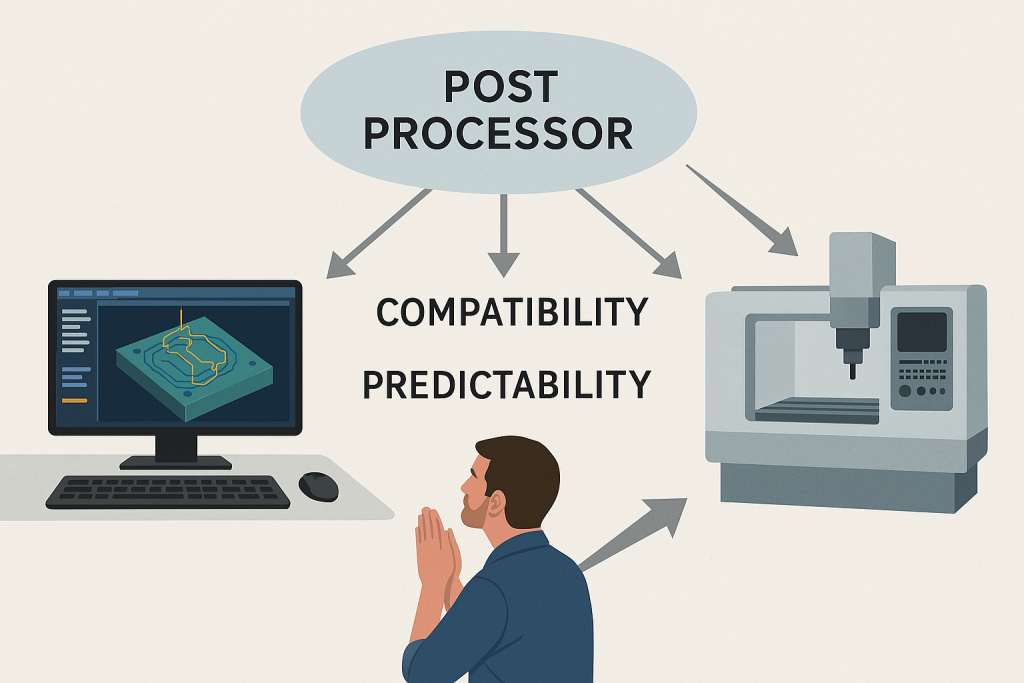
The post-processor isn’t just a technical step - it’s a quality gate. A properly configured post-processor ensures:
- Safe operation (correct startup sequences)
- Accurate execution (positioning logic matches machine axes)
- Clean output (no redundant or unsupported commands)
- Shop compatibility (tool names, tool numbers, coordinate systems)
A Brief History: From Hand Coding to Automation
In the early days of CNC, all G-code was written by hand. Machinists and engineers used printed drawings, calculators, and experience to program operations line by line.
The arrival of CAM systems in the 1980s introduced visual toolpath programming - but the output still had to match individual machines. Initially, post-processors were rudimentary text scripts. Over time, they became smarter, modular, and more integrated with machine definitions.
Today, modern CAM platforms offer post-processors that can adapt to multi-axis machines, probing cycles, high-speed machining, and even robotics - all controlled from a central logic file.

Educational Perspective: Teaching the Hidden Layer
For students and newcomers to CAM, post-processing can seem mysterious or opaque. It operates behind the scenes - yet determines whether a part will be made correctly.
That’s why technical education must include post-processor literacy:
- Understanding what it does
- Knowing when it's wrong
- Recognizing signs of miscommunication (e.g., missing tool calls)
- Interpreting G-code basics
Looking Ahead: Toward Standardization?
Will post-processors ever go away? Unlikely - at least not soon.
Despite attempts at controller standardization (e.g., ISO 6983), the manufacturing world remains highly heterogeneous. New machine types, custom cycles, and evolving controller firmware ensure that post-processors will continue to play a central role in digital manufacturing.
However, trends like cloud-based CAM, AI-assisted code validation, and digital twin integration promise smarter, more transparent post-processing workflows - where simulation, code generation, and verification are tightly fused.